
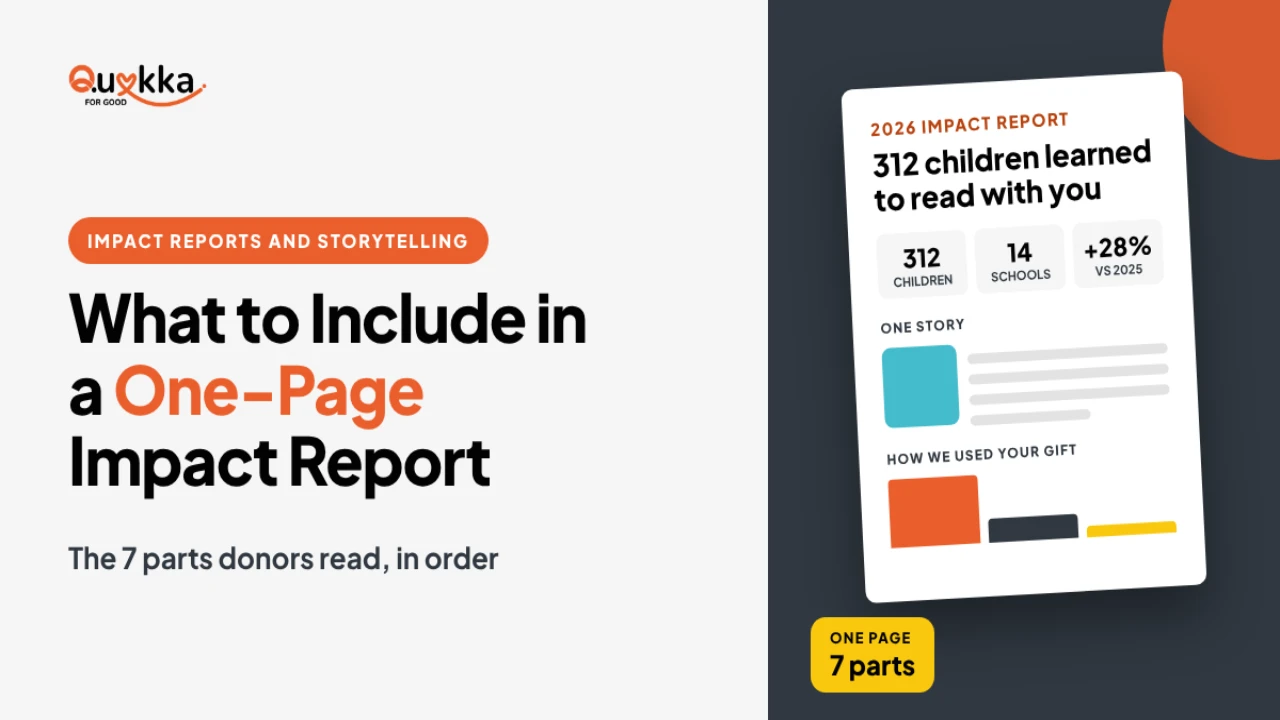
Most donors do not read a 30-page report. They read one page. A one-page impact report tells them what changed because of their gift. It takes a few hours to make, and you can send it by email, post it on your website or hand it out at events.
The 7 parts of the page
Put these in this order, from top to bottom:
- A headline result. One sentence with one big number. Example: "In 2026, 312 children learned to read with you."
- Who you helped. Two or three numbers: people served, places reached, hours given.
- One short story. One person, 3 to 4 sentences, with a photo if you have consent.
- How you used the money. A simple split, such as 82% programs, 12% admin, 6% fundraising. Use your own real numbers.
- What changed. Compare with last year. Did the number go up? Say by how much.
- A thank you. Name your donors, volunteers or partners, or say thanks to them as a group.
- What comes next. Your goal for next year and one clear way to give.
Which numbers to pick
Use 3 to 5 numbers on the page. More numbers hide the message.
- Pick results over activities. "120 families moved into stable housing" says more than "we held 40 meetings."
- Pick numbers you can prove. Keep the source in your files.
- Show a before and after where you can.
- Round with care. "About 300" is fine if the real number is 312.
If you do not track results yet, start with the simple counts you have. Add one result number next year.
3 mistakes to skip
- Too much text. If the page looks full, cut a third.
- No donor in the story. Show what their gift made possible.
- No next step. End with one button or link. Do not give five choices.
Your next step
Write the headline sentence first. If you can finish it with a real number, the rest of the page is easy. Want a designed version? Ask about our Impact Report Design Service when you Book Your Free Discovery Call.